Timelapse
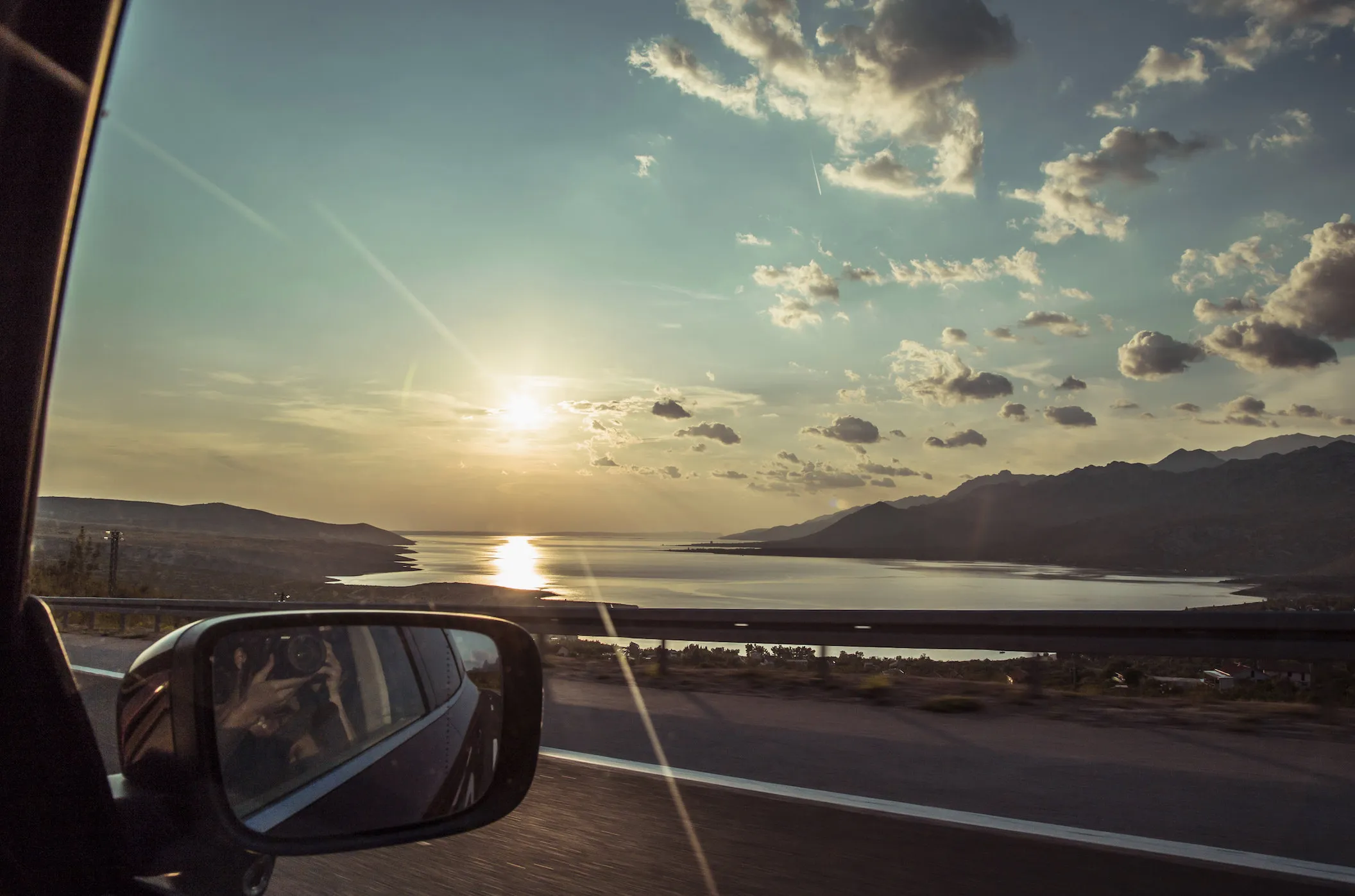
Want to stitch together a video of GoPro timelapse photos? They are all in the format G00XXXXX.JPG (G0050192.JPG), so throw all the photos in a single “Timelapse” folder and use ffmpeg!
ffmpeg -r 24 -start_number 50192 -i G00%05d.JPG -s 1440x1080 -pix_fmt yuv420p -f mp4 -vcodec h264 DriveToDomaine.mp4
Sit back and chill for a few minutes (or meditate), and soon enough you will have a new timelapse video! Feel free to play around with the settings to your liking. This will get you a 1440x1080, 24fps, QuickTime compatible, mp4 file. #justnerdthings
Enjoy!
[office src=“https://onedrive.live.com/embed?cid=A90FFD06B689C2E0&resid=A90FFD06B689C2E0%21105983&authkey=AL6p2FL4T1nfEVs” width=“320” height=“240”]
Edit: To concatenate mp4 files in the same directory use the following: ffmpeg -f concat -safe 0 -i <(for f in ./*.mp4; do echo "file '$PWD/$f'"; done) -c copy drivingTour.mp4